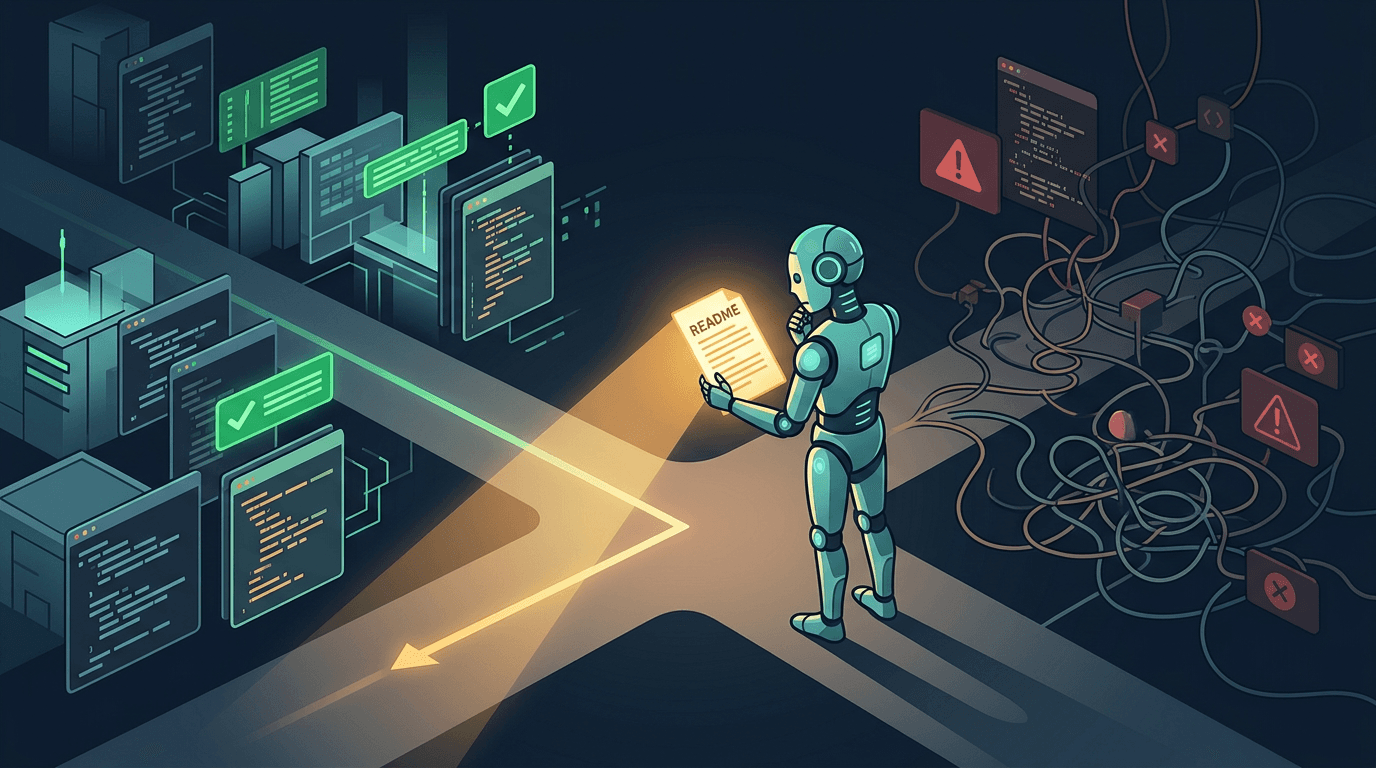
Understand Before Acting
Your AI agent is the fastest coder on your team. It is also the most likely to reinvent the wheel. A case study in why documentation is the highest-leverage investment for AI-assisted teams.
We were building an activity discovery pipeline for ASI:One - a system where your Personal AI finds local events based on your interests and surfaces them in your feed. The AI agent needed to geocode discovered activities - turn "Van Andel Arena, Grand Rapids" into map coordinates so we could plot them.
The AI agent built a geocoding solution from scratch. It asked the Large Language Model (LLM) to estimate latitude and longitude for each event. The coordinates came back. The events plotted on the map.
In the middle of Lake Michigan.
We already had a geocoding subsystem with multiple providers for different precision levels - from free community data to paid commercial APIs, plus approximate matching for fuzzy lookups. All wired up, tested, and documented in a subsystem README that the AI agent never opened.
What followed was hours of rework. Multiple rounds of debugging. A cascade of follow-on bugs - race conditions, duplicate Points of Interest, Celery task timeouts - that the existing infrastructure had already solved for.
This experience taught us something we should have already known: the most expensive line of code is the one you did not need to write. And the fastest way to write code you do not need is to skip the README.
AI Agents Are Brilliant Coders and Terrible Researchers
The discourse around AI and documentation in 2026 focuses on two things: creating documentation for AI (llms.txt, AGENTS.md, Memory Banks) and writing specs before AI codes (Product Requirements Documents, spec-driven development). Both are necessary. Neither addresses the third problem.
AI agents do not read existing documentation before acting.
They receive a task and start coding. They explore the codebase by searching for imports and function signatures. They rarely - unless explicitly instructed - open the README that explains why the system is built the way it is, what constraints exist, and what has been tried before.
Code shows what. Documentation explains why and what not to do. A function signature tells you the interface. A decision journal tells you the constraint. A test file tells you what passes. A pitfalls section tells you what breaks.
What the AI Did vs. What the Docs Would Have Told It
| What the AI did | What the docs said |
|---|---|
| Built custom geocoding with LLM-estimated coordinates | The existing geocoding function already exists - call it |
Used create() for fallback Points of Interest | Use get_or_create() keyed on (name, city, state, country) |
Placed network calls inside transaction.atomic() | Geocoding runs outside transactions (documented pitfall) |
Used .first() without ordering for model selection | Use .get() with MultipleObjectsReturned handler |
| Fetched user context inside a Celery background task | Pass identifiers at dispatch time to avoid race conditions |
Every one of these was documented. Every one was repeated. The fix was not more documentation. We already had good docs. The fix was a rule that said: read them first.
The Rule We Wrote
After the geocoding session, we codified the lesson into a cursor rule called understand-before-acting. The rule is four steps:
Find the Subsystem README
Every subsystem has a landing page at docs/features/{subsystem}/README.md. This is the starting point. Working on activities? Read the activities subsystem README. Working on Points of Interest? Read the points-of-interest subsystem README.
Read the Common Pitfalls Section
Every subsystem README has a "Common Pitfalls" section documenting bugs, constraints, and gotchas discovered during implementation. These are the mistakes that future developers are most likely to repeat. Our activities README has over a dozen numbered pitfalls. Each one represents a bug we found, fixed, and documented so it would not happen again.
Check Related Documents
Subsystems depend on each other. The "Related Documents" section links to upstream and downstream subsystems. If your change touches a dependency boundary - say, the activity discovery pipeline calls into the Point of Interest geocoding infrastructure - read both subsystem docs.
Check the Decision Journal
Many subsystem READMEs include a decision journal capturing why things are built the way they are. Understanding the reasoning prevents you from undoing a deliberate design choice. Our activities journal has over a dozen entries, each with a Problem, Fix, Rationale, and Regression Tests section.
The Meta-Lesson
The Anatomy of a README That Prevents Reinvention
Not all documentation is worth reading. A 200-page design document that has not been updated in 18 months is worse than no documentation - it gives false confidence. Good subsystem documentation answers five questions:
What does this do?
One paragraph. If it takes more, the subsystem is too big.
How does it work?
Architecture diagram. Data flow. Key abstractions. The 10,000-foot view that orients someone before they read any code.
What are the known pitfalls?
The bugs, constraints, and gotchas that future developers will hit. Numbered, specific, and updated every time a new one is discovered.
What decisions were made and why?
The decision journal. Not just what was built, but why this approach was chosen over alternatives. Prevents future developers from re-litigating settled questions.
What is NOT built yet?
Prevents someone from building Phase 2 features when Phase 1 is not done. Surfaces planned work that might overlap with the current task.
The Decision Journal Pattern
The decision journal is the section that pays for itself fastest. Here is an entry from our activities subsystem - the one that would have prevented the geocoding rework:
Decision: Geocoding Pipeline (Multi-Tier Cascade)
Problem: AI-estimated coordinates were unreliable. Events in Grand Rapids plotted in Lake Michigan.
Fix: Multi-tier cascade using progressively more accurate (and expensive) providers, with cheapest first.
Rationale: Cost optimization with graceful fallback. Deduplication keyed on location identifiers to prevent duplicates.
Key design choice: External API calls run outside database transactions to avoid holding locks during network operations.
This format is not prose. It is structured knowledge that both humans and AI agents can parse, search, and act on. Five minutes to write. Hours saved the next time someone touches the geocoding pipeline.
Rules, Docs, and Decision Journals Form a Triangle
Three artifacts work together. None is sufficient on its own.
Instructions. Do this, do not do that. Live in .cursor/rules/. Concise, actionable, machine-readable.
Understanding. How and why the system works. Live in the features documentation directory. Comprehensive, cross-referenced.
History. What was tried, what failed, why. Structured: Problem → Fix → Rationale → Regression Tests.
The triangle creates a feedback loop. Rules link to docs ("read the subsystem README before modifying geocoding"). Docs link to rules ("see understand-before-acting.mdc"). Decision journals prevent regression ("this bug was already fixed - here is how").
As I wrote in One Governance, Many Orchestrators, the same governance system that enforces coding standards can enforce documentation reading. The rule does not care whether the AI agent is Claude, Cursor, or Copilot. The subsystem README does not care who reads it. The system works because the artifacts are decoupled from the tools.
How to Start (Even If Your Docs Are a Mess)
Most teams do not have good subsystem documentation. That is fine. You do not need to document everything before this approach works. Here is how to start without boiling the ocean.
Pick Your Most-Modified Subsystem
Check where most commits land: git log --format='%H' -- app/your-subsystem/ | wc -l. That is where documentation has the highest return on investment. The code that changes most is the code that benefits most from a README that explains why it is the way it is.
Create a README with Five Sections
What this does (one paragraph). Key files (table of file paths and purposes). Common pitfalls (numbered list). Active work (links to plans or issues). Related subsystems (links to other READMEs). That is the minimum viable documentation. You can write it in 30 minutes.
Add a Decision Journal Entry for Every Non-Trivial Bug Fix
The structured format (Problem, Fix, Rationale, Regression Tests) takes five minutes. It saves hours the next time someone touches that code. The journal grows organically from real work - you do not need to write it all upfront.
Create the Cursor Rule
Point AI agents at the README before they start coding. The rule text is straightforward: "Before writing any code in a subsystem, read its documentation first. Start with the subsystem README, then check Common Pitfalls and Related Documents."
Make It Part of Your Review Process
When reviewing a pull request, ask: "Did the change update the subsystem docs?" If a new pitfall was discovered, it should be in the README. If a decision was made, it should be in the journal. See Obey The Rules or Die for the enforcement loop.
The Compound Effect
The Most Expensive Code Is the Code You Did Not Need to Write
The geocoding pipeline works now. Activities show up in the ASI:One feed with accurate locations. The Personal AI finds events, geocodes them through our multi-provider pipeline, and publishes them to the feed.
But the path to get there was longer than it needed to be. The infrastructure existed. The patterns were established. The pitfalls were already known. We just did not read the README first.
The lesson is not "write better documentation." Most teams know that. The lesson is: make reading documentation a first-class step in your development workflow - for humans and AI agents alike. Your AI agent is the fastest coder on your team. It is also the most likely to reinvent the wheel, repeat a solved bug, and ignore a documented constraint. The fix is not to slow it down. The fix is to point it at the README first.
Chop wood, carry water. Read the docs, write the code.
Building with AI agents?
Our cursor rules, subsystem documentation templates, and decision journal format are all battle-tested across multiple production codebases. If you are building an AI-assisted development workflow, I am happy to share what we have learned.